Running results
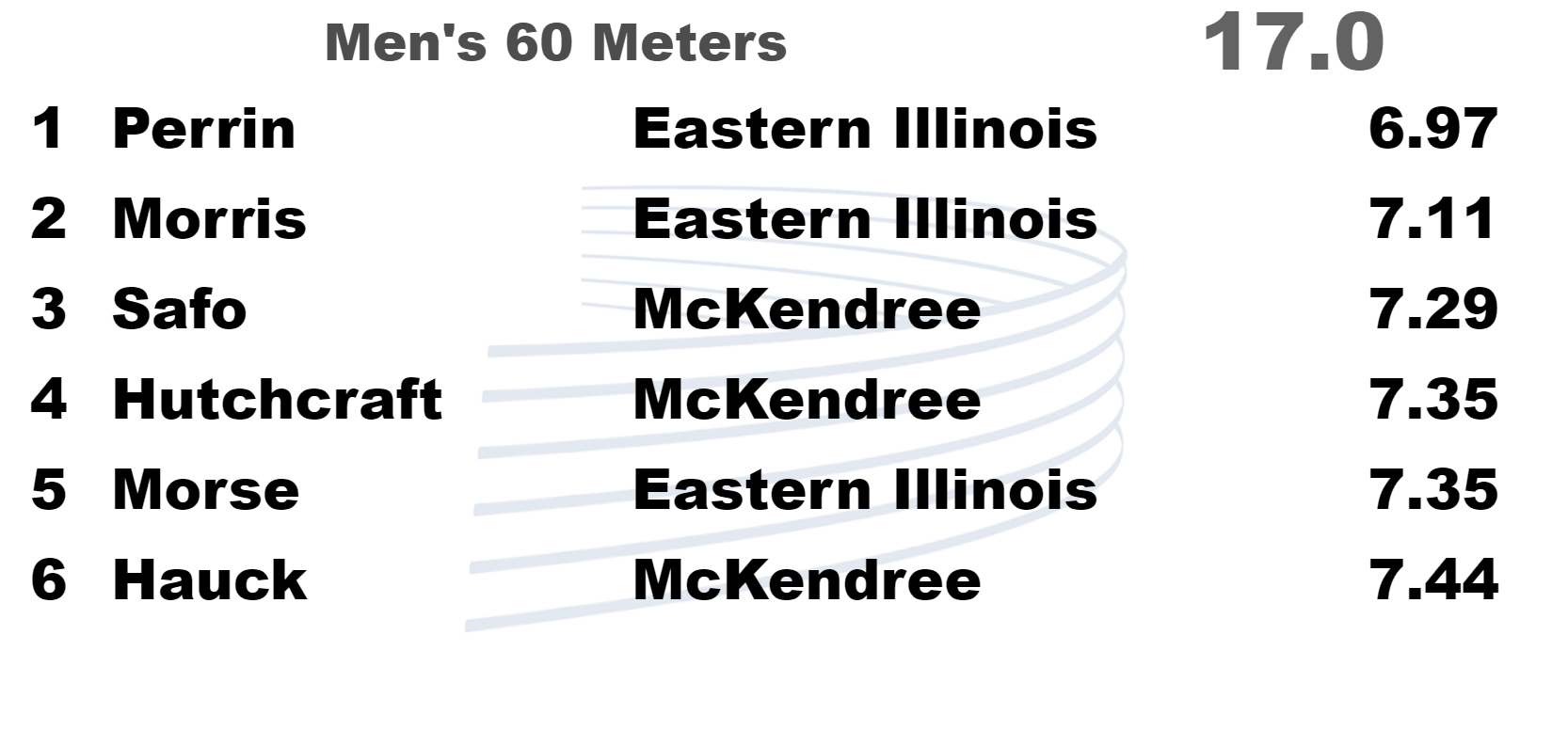
A focused interface for results and running time keeps operators out of complicated setup work.
Windows scoreboard software for track and field
DisplayWorks turns timing data into clean, flexible scoreboard views with fast setup, source switching, remote control, and no DisplayWorks branding on your display.
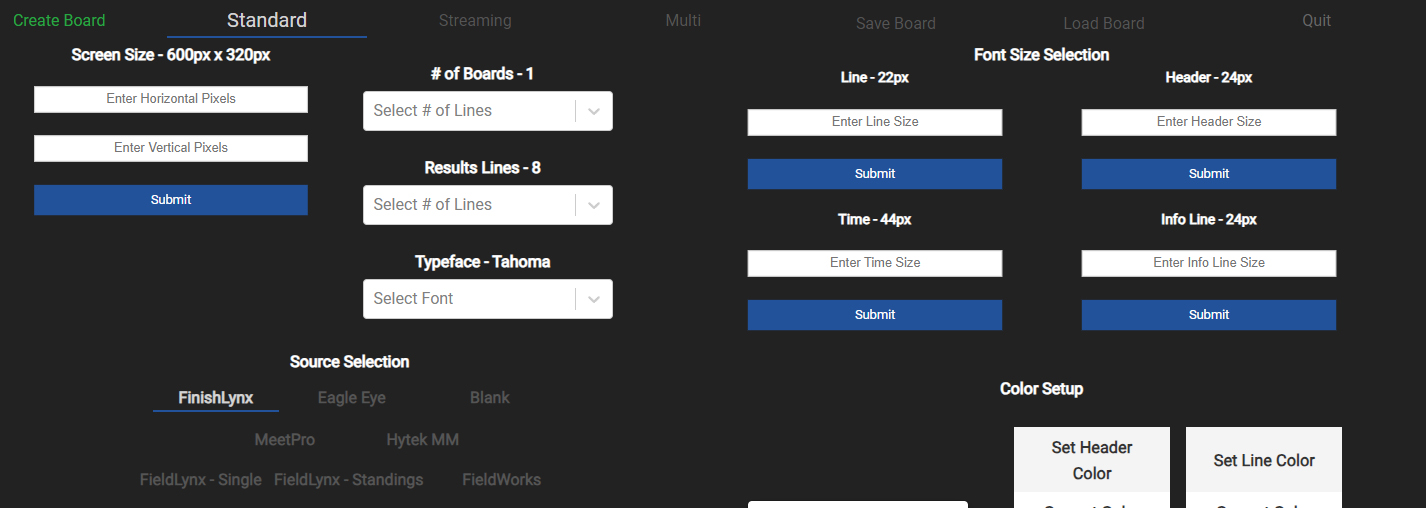
Works with timing and meet management tools your crew already knows.
Built for event pressure
A focused interface for results and running time keeps operators out of complicated setup work.
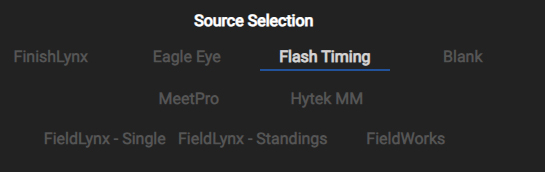
Switch between data sources quickly, including integrated support for EagleEye Pro, Flash Timing, and FieldLynx.
Use meet logos, company graphics, background images, and team icons from local JPG or PNG files.
Change display sources from another computer on the network during the event.
Walk-through
Current files
Full file list, including DisplayWorks 2.1.0, PDF documentation, DW Remote, StreamDeck plugin, FieldWorks, and legacy builds.